

Battle Grounds Mobile India pc emulator version by kps download
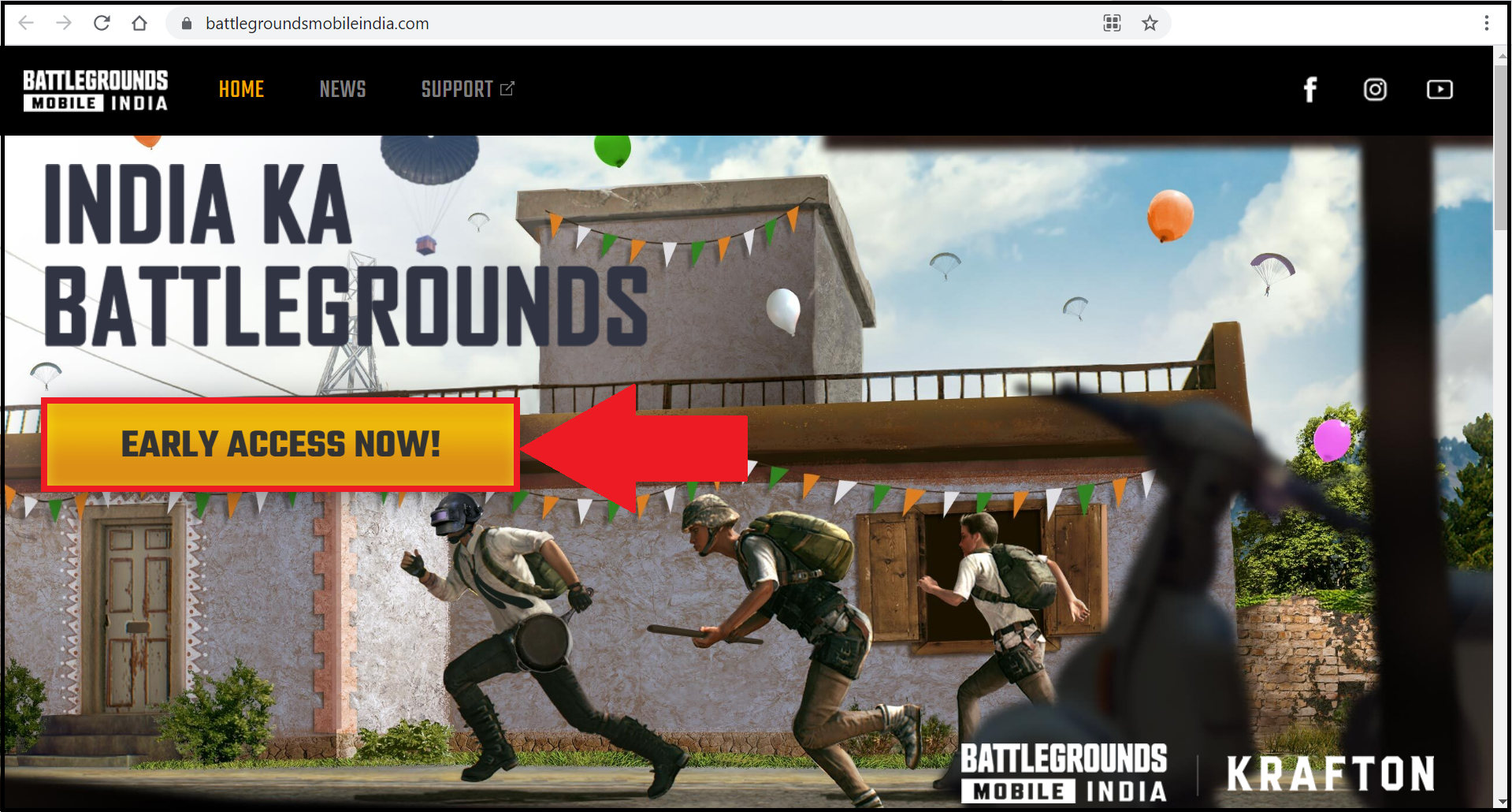
1. Visit the official website for Battlegrounds Mobile India and click on the "Early Access Now!" button.
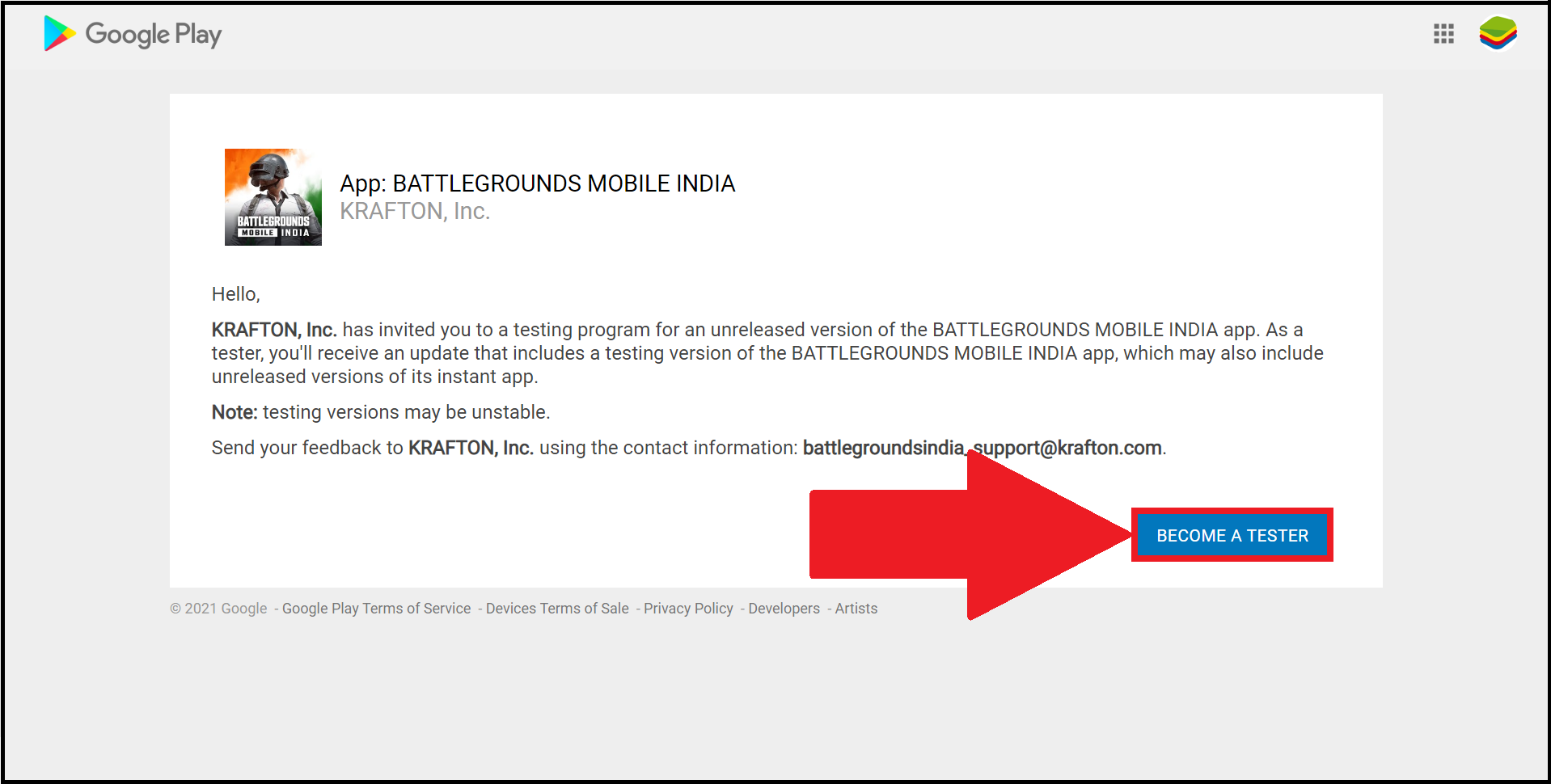
2. You will be redirected to a new page. Here, log in with the same email address that you use on BlueStacks 5 and click on "Become a Tester" to register for the game.
3. Now, launch the latest version of BlueStacks 5 and open the Google Play Store.
NOTE: Please make sure you log in with the same email address that you've used to register for the game in step 2. For a detailed guide on logging in to the Google Play Store, click here.

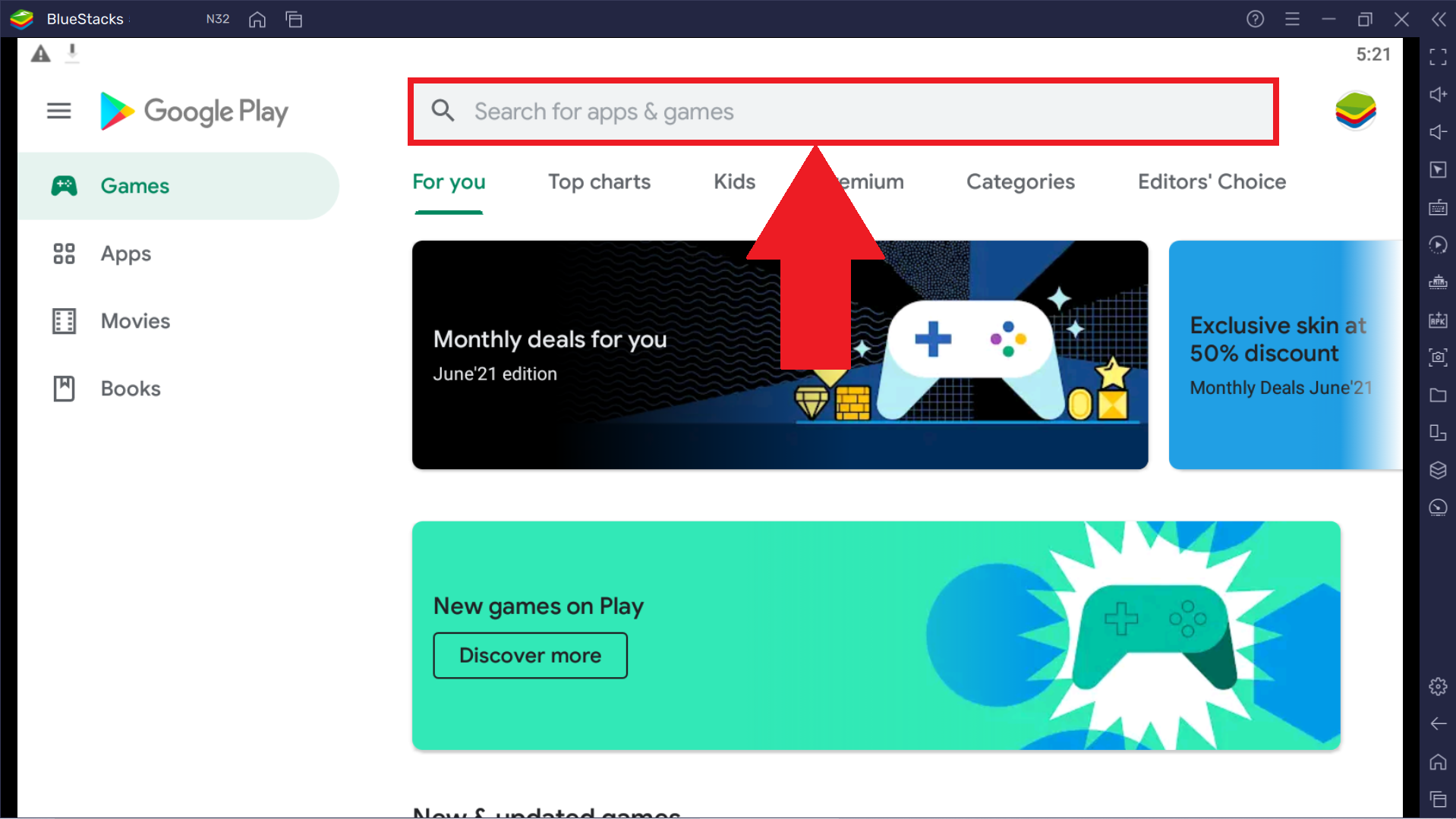
4. Click on the search bar. Then, type "Battlegrounds Mobile India" and press enter.
5. Once you find the game, click on the "Install" button, as shown below.

6. After Battlegrounds Mobile India is installed, it will appear on the home screen of BlueStacks 5. You can begin playing the game whenever you like by clicking on its icon from here.


Post a Comment